Once our Church Networks have been set up, we can add Churches to each Church Network. To do this we will need to click the +Church button at the top of the relevant Church Network.
We will then need to give the Church a Name, add an Abbreviation and add a Main Building. If the Main Building is already in the system, we will be able to select it from the dropdown menu, otherwise, click the +New Building button and enter the Building Name and Address.
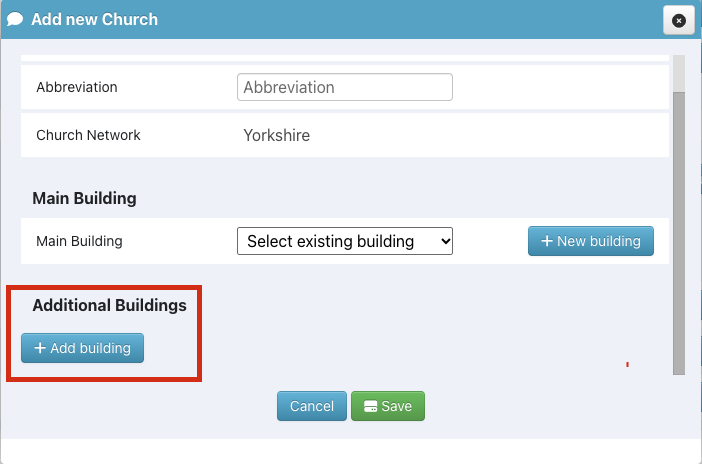
If the Church has more than one Building, we can click the +Add Building under Additional Buildings, however, we can come back and add Additional Buildings later, if we wish.
If we want to edit a Church that we have added, we will need to click the orange pencil icon  , make any changes and click the
 Save button.
If we want to move a Church to a different Church Network, we will need to click the green Move button  , select the
 Church Network we wish to move it to from the dropdown menu, and click the Confirm button.