Printouts

We can generate PDF's of our Room Bookings that can be printed or emailed for those who may need to see the Room Bookings but who don't need to be given access to the module in iKnow.

To generate PDF's we will need to click Printouts on the Room Booking page.

There are 3 Planners for us to choose from on the Printouts screen
Printouts
Day Planner
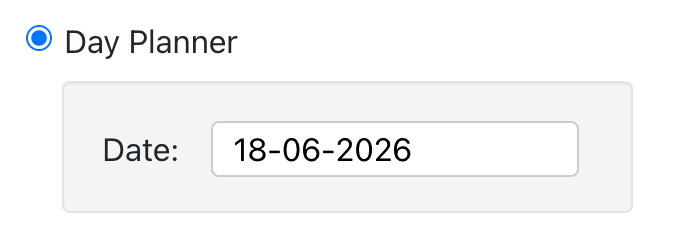
  • Day Planner

Select a date and click the Create PDF button to create a PDF that shows all the bookings on the date you've selected.

Day Planner PDF Example

Week Planner
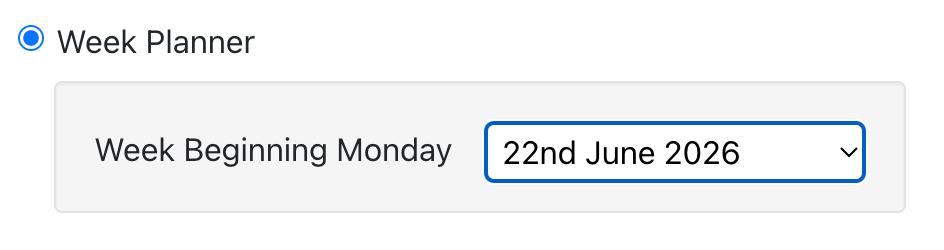
  • Week Planner

Select a Monday and click the Create PDF button to create a PDF that shows all the bookings for the week beginning on the Monday you've selected.

Week Planner PDF Example

Custom Planner
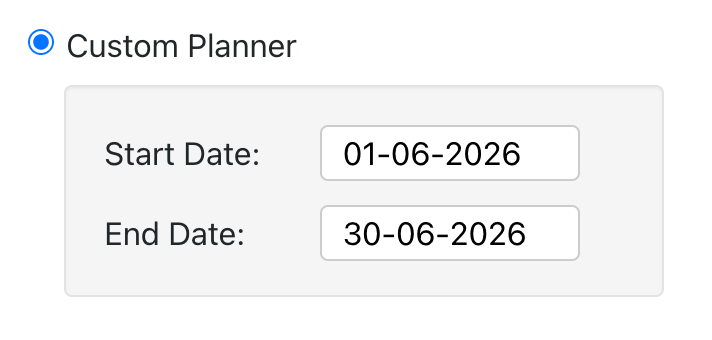
  • Custom Planner

Select a Start and End date then click the Create PDF button to create a PDF that shows all the bookings between the dates you've selected.

Custom Planner PDF Example

Options

There are 4 options for your planners

  1. Layouts
    Include any Room Layouts that have been selected for a booking
  2. Notes
    Include any Notes that have been added to a booking
  3. Extras
    Show any Extras that have been added to a booking
  4. One Day per Page
    If multiple days have been selected, generate a separate page for each day


Powered by Church Edit