Using and Editing Calendar Embed

If we want to see a preview of the calendar that will be embedded on our site, we can click the magnifying glass button.
To make changes to the calendar embed, we can click the orange button with the pencil icon.
If we no longer want the calendar embed, we can click the red button with the dustbin icon to delete it. This will mean that the calendar will stop appearing on any web pages that we have embedded it into.
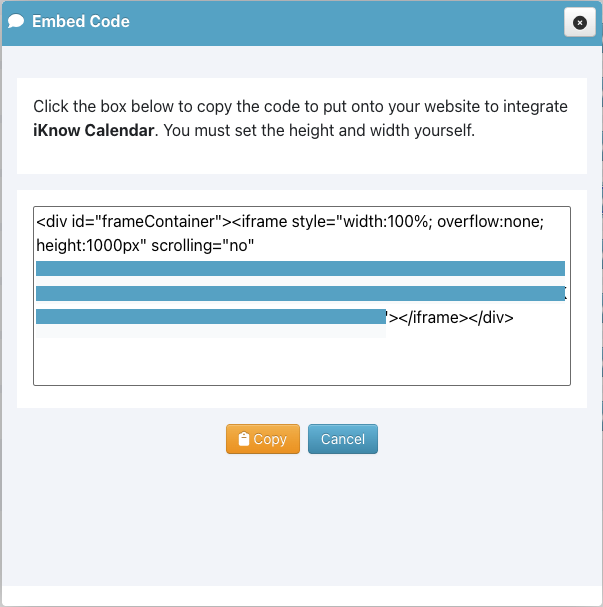
To obtain the embed code for the calendar, click the blue button. This will open a window that contains the code we will need to embed the calendar into our own website.
Once the calendar is embedded, visitors to our site will be able to see the events we have chosen to show. If we are a multisite church, they will be able to select which location they would like to see events for and clicking on any event will show more information.
BackAdvanced