Create Event Page
We can switch on the option to create a separate page for each event in our embedded calendar. This will allow people viewing the calendar on our website, to click the event to see more information.
To activate this option, we will need to switch on the Create a separate page for each event toggle.
Once this is switched on, we will have some further options of what we would like displayed on the page.
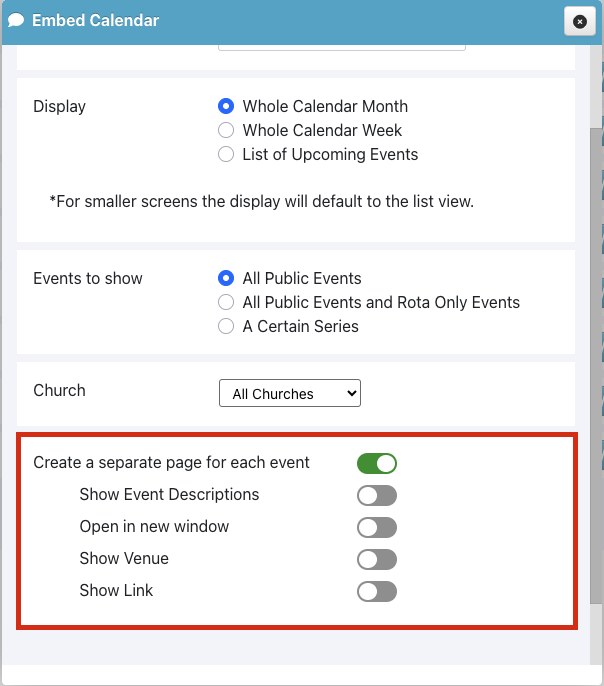
Show Event Descriptions will show any description we have added to the event, in the Events calendar.
Open in new window will make sure that the event page opens in a new window/tab, so our church web page is still available if the window/tab containing the event page is closed.
Show Venue will show any Venue we have added to the event, in the Events calendar.
Show Link will show any links to other web pages we have added to the event, in the Events calendar